NESP32
An inexpensive, DIY wireless network interface for the Nintendo Entertainment System (NES) based on the ESP32 microcontroller.
About
- Provides Internet access, media streaming, and online gaming capabilities to NES software.
- Built using the M5 StickS3, a ~$20 all-in-one IoT development kit that includes a dual core processor, flash storage, audio, WiFi, color LCD screen, battery, USB interface, and buttons. The M5 StickC-Plus2 is also fully supported.
- A custom hat plugs into the top of the device and connects to controller port 2 of the NES.
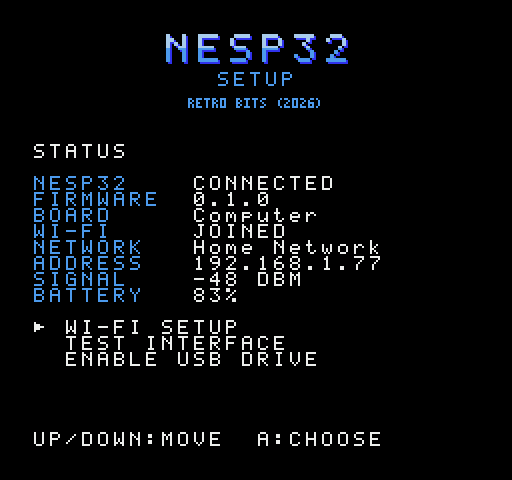
- Extensible firmware provides an API that any cartridge-based software can interface with. A setup program allows the wifi and USB storage to be configured from the NES itself.
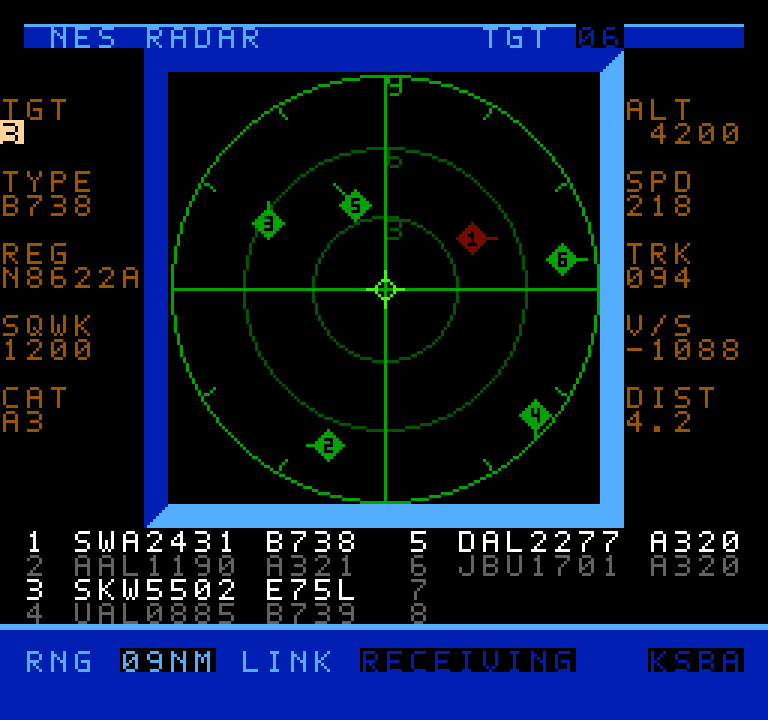
- The NESP32 is an evolution of NES Radar where the controller port serial interface was originally conceived.
- This project is still just a proof of concept but with your help it could someday become a real boy!
Applications
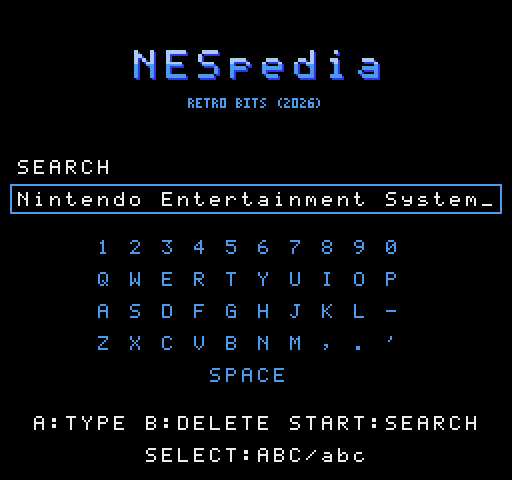
NESpedia
A Wikipedia reader: search and read articles directly on the console.
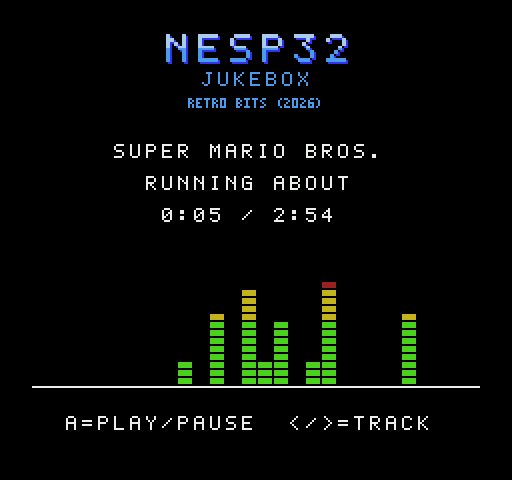
NES Jukebox
Play NES music in VGM/VGZ format and PCM audio at up to 20kHz through the console's own sound chip.
NES Radar
Live air traffic around any airport, on a radar scope drawn by the console.
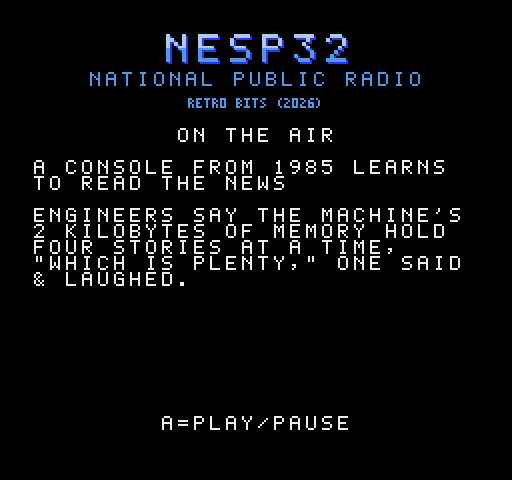
National Public Radio
NPR's live .mp3 radio stream with optional headline news.
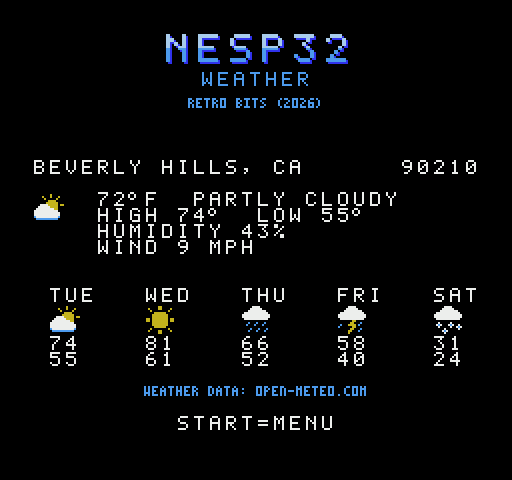
Weather
Current conditions and a 5-day forecast for your zip code, with pictures.
Online Gaming
The original NES Dr. Mario and Contra modified for 2-player over a LAN or WAN!
Setup
Configure Wi-Fi/USB and test connectivity directly from the console.
Throughput Test
Benchmark the maximum speed the interface can support over the controller port.
Getting started
- Get the parts. An M5 StickS3 and the NESP32 hat to go with it.
- Install the software from the firmware page right from your browser.
- Get the cartridge ROM. Use it with a flash cart or MiSTer FPGA w/SNAC adapter.
- Plug it in. Attach the hat to the S3's bottom GPIO header, furthest from the LCD screen, and connect the NESP32 to controller port 2.
- Boot it up! Power up the NESP32 and the NES, then run the Setup utility to join a WiFi network.
NESP32 needs YOU
Interested in trying out or even developing for the NESP32? We'd love to grow a community around this project.Please join our Discord!